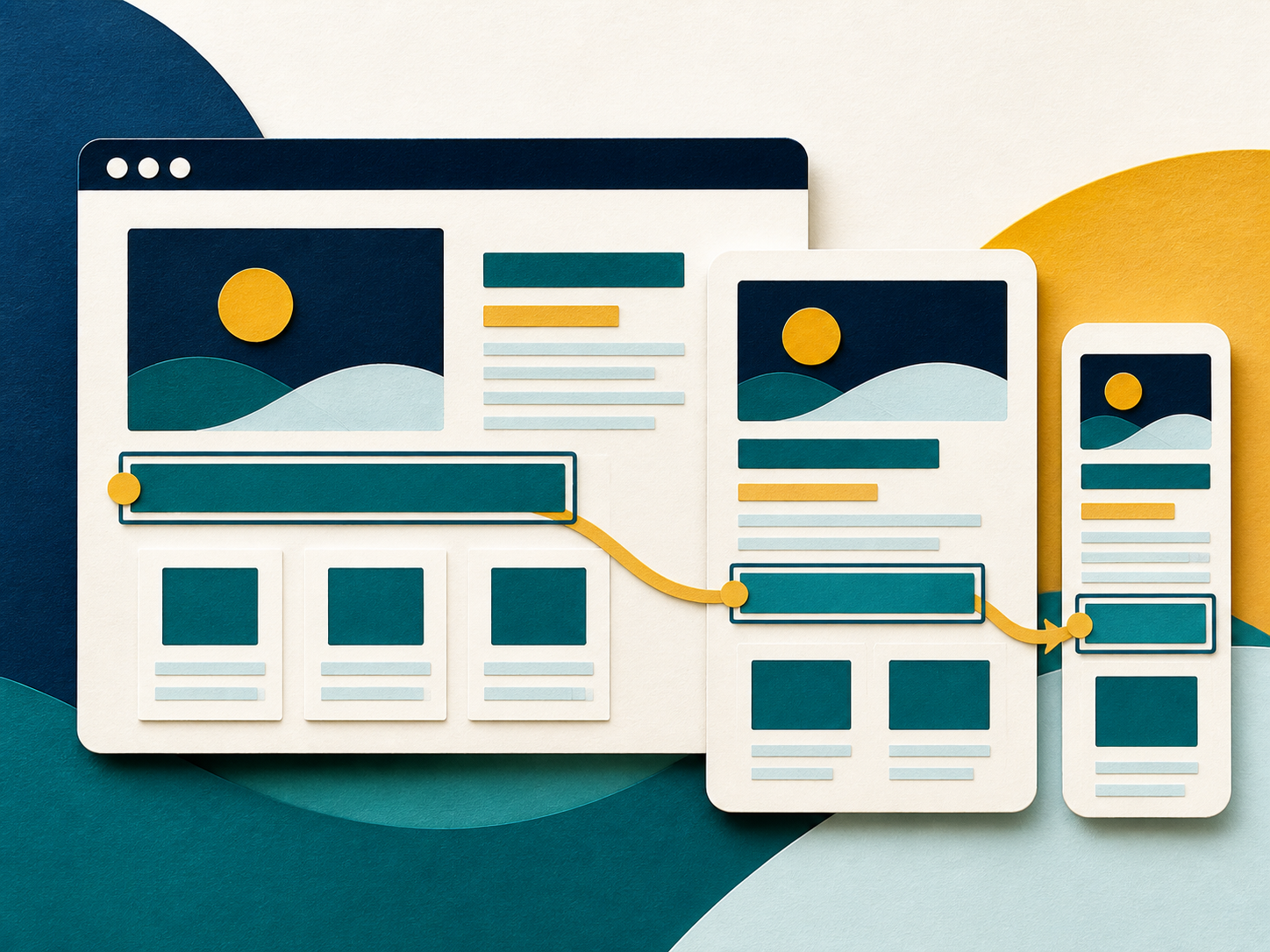
Scan broadly
Automated tools identify detectable patterns across the agreed pages and states.

Web accessibility
We combine automated checks with manual review of keyboard use, structure, reflow, forms, content, and the human experience of completing important tasks.
Who this is for
This work is for teams that want practical evidence about accessibility and a correction plan their designers, developers, and content owners can use.
Common signs
How we can help
The exact scope depends on the situation. These are the usual parts of the work.
Automated tools identify detectable patterns across the agreed pages and states.
We test keyboard flow, focus, headings, names, status messages, zoom, reflow, and other experience details.
Findings describe who may be affected, how to reproduce the barrier, and why it matters.
We recommend the smallest useful change, then record what passed, what remains, and what still needs human or assistive-technology testing.
What you may receive
A simple starting point
You can share the goal, the current obstacle, and any deadline that matters. Please keep sensitive material out of the public inquiry.